CCPA / CPRA Guide
Configure opt-out, Do Not Sell, and US state privacy patterns in CookieShift.
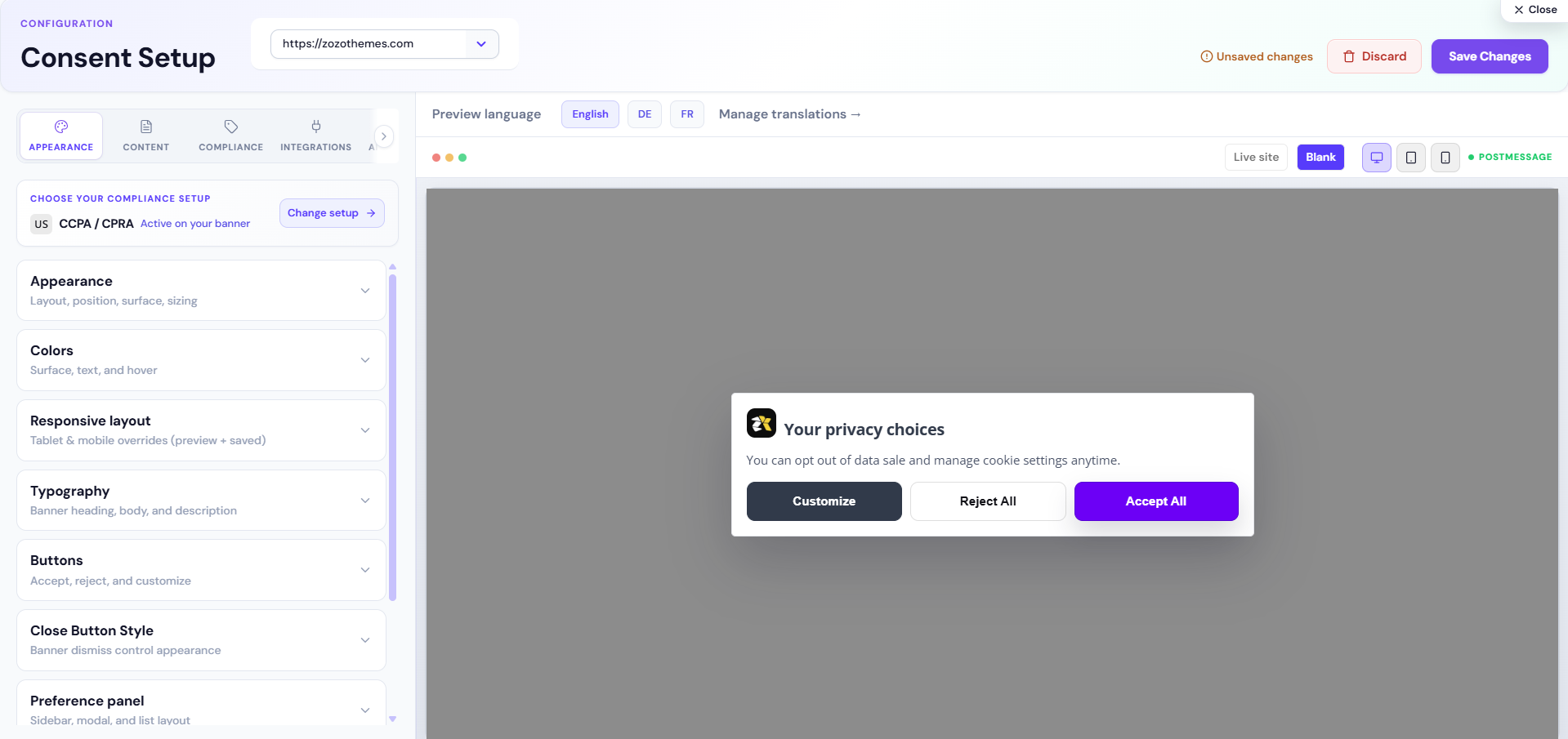
Use this guide for California (CCPA/CPRA) and similar US opt-out frameworks. CookieShift supports CCPA-style engines with Do Not Sell and reject flows—not legal advice.
US vs EU model (quick comparison)
| Topic | GDPR-style (EU) | CCPA-style (US) |
|---|---|---|
| Default for non-essential | Block until opt-in | May load until opt-out (configuration-dependent) |
| Primary action | Accept / Customize | Often includes Do Not Sell |
| Sensitive sale/share | Less common label | Do Not Sell or Share link |
| Proof focus | Prior consent logs | Opt-out requests + disclosures |
Configure CCPA in Consent Setup
- Open Consent Setup → Compliance.
- Select CCPA or apply a US state law from the law registry (many US states map to CCPA-style behavior in CookieShift).
- Enable Do Not Sell when selling/sharing personal information as defined by your counsel.
- Set Do Not Sell placement (inline, below banner, or preferences-only).
- Use button layout Accept + Reject or include Customize for granular control.
- Save and verify on a US IP or geo rule.
Do Not Sell control
| Setting | Effect |
|---|---|
| Do Not Sell enabled | Shows required link/label for CCPA-style regimes |
| Placement: Inline | Visible on main banner |
| Placement: Below | Secondary line under primary buttons |
| Placement: Preferences only | Inside preference center |
Match placement to your counsel’s UX requirements—some brands need persistent footer links beyond the banner.
Do Not Track (DNT)
Compliance tab includes Do Not Track handling:
| Mode | Behavior (high level) |
|---|---|
| Off | Ignore DNT header |
| Telemetry only | Log signal without auto-changing consent |
| Auto reject when unset | Stronger default when DNT is set |
DNT is not the same as Global Privacy Control (GPC). Confirm with legal how your program treats GPC signals.
Geo targeting for US visitors
Add a Geo → law rule: United States → CCPA (or specific state law). Keep EU visitors on GDPR via separate rules.
Test:
- US VPN → CCPA banner variant
- EU VPN → GDPR opt-in variant
Scanner and disclosures
CCPA requires accurate Notice at Collection and opt-out paths. Use Scanner to list trackers, then ensure Content tab descriptions mention analytics/marketing vendors you actually use.
Records for compliance
| Record | Source |
|---|---|
| Opt-out / reject events | Consent logs filtered by outcome |
| Inventory at point in time | Compliance PDF export |
| Policy version | Your published privacy policy + config save date |
Common mistakes
| Mistake | Fix |
|---|---|
| GDPR copy shown to California users | Add US geo rule |
| No Reject button | Enable Accept + Reject layout |
| Marketing tags in Necessary | Reclassify in Scanner |
| Do Not Sell hidden in preferences only when law requires prominence | Change placement |