Scheduled Reports
Automate compliance PDF delivery and recurring exports.
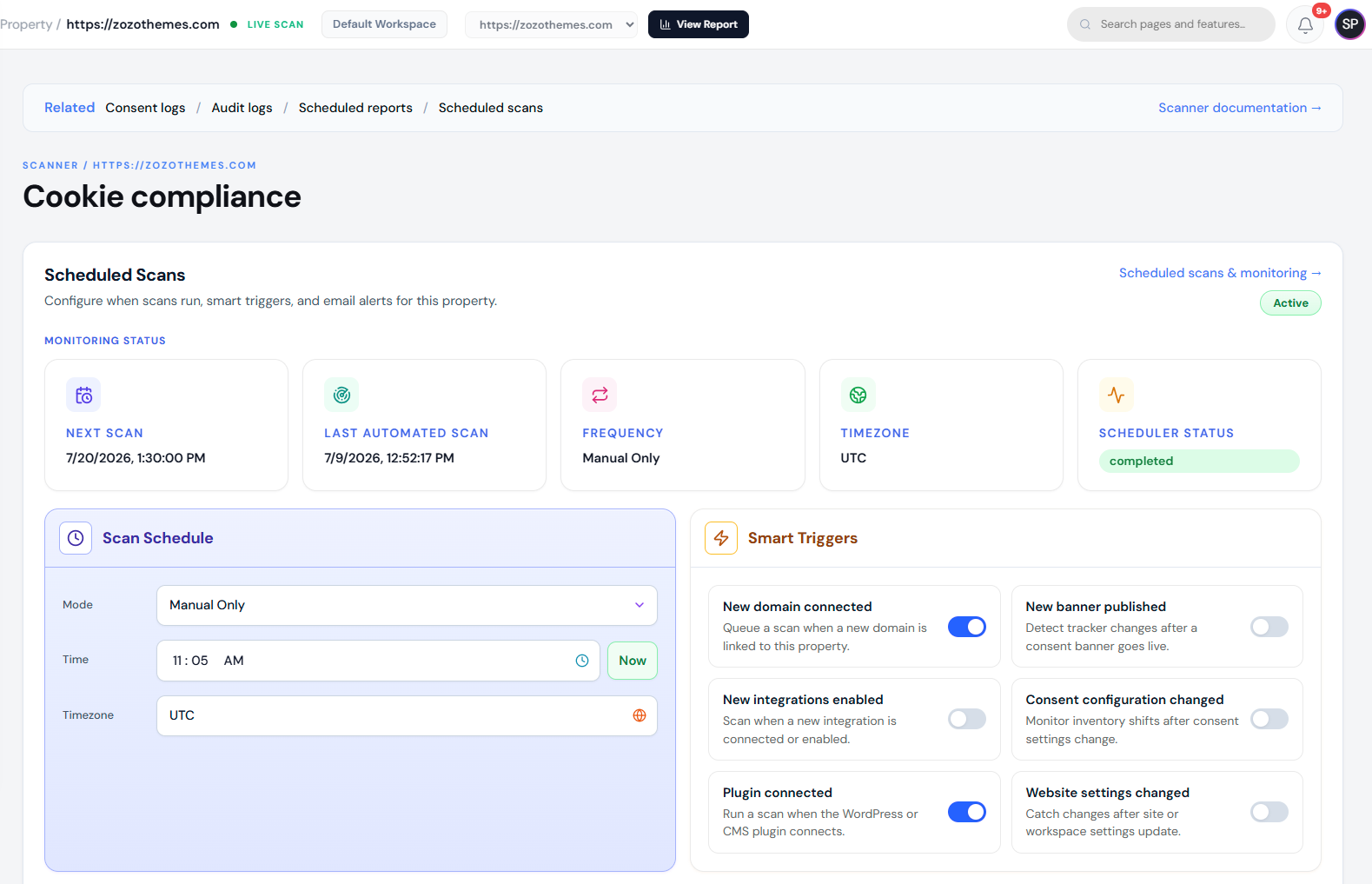
Schedule recurring compliance reports to email stakeholders without manual exports.
Overview
Scheduled reports run on a cron you define (timezone-aware), attach PDF snapshots, and respect plan limits on recipients and frequency.
Why it matters
Legal and marketing teams need periodic proof of consent program health. Automation reduces manual work before audits.
Setup
- Open Reports → Scheduled reports.
- Choose report type (compliance snapshot, consent summary, etc.).
- Set recipients (workspace-verified emails).
- Pick schedule (weekly/monthly or custom cron on supported plans).
- Save and confirm the next run time in the list.
Examples
| Schedule | Use case |
|---|---|
| Weekly Monday 08:00 UTC | Ops review |
| Monthly 1st | Board compliance pack |
Troubleshooting
- Email not received — Check spam; verify recipient domain allows attachments.
- Empty PDF — Property had no scans in period; run Scanner first.
- Schedule skipped — Plan limit or paused workspace; see Billing.
Best practices
- Include legal@ and dpo@ only on encrypted mail paths your org approves.
- Pair scheduled PDFs with Consent logs CSV exports for raw evidence.