React SDK
Install @cookieshift/react-sdk and render ConsentBanner in React, Next.js, and SPAs.
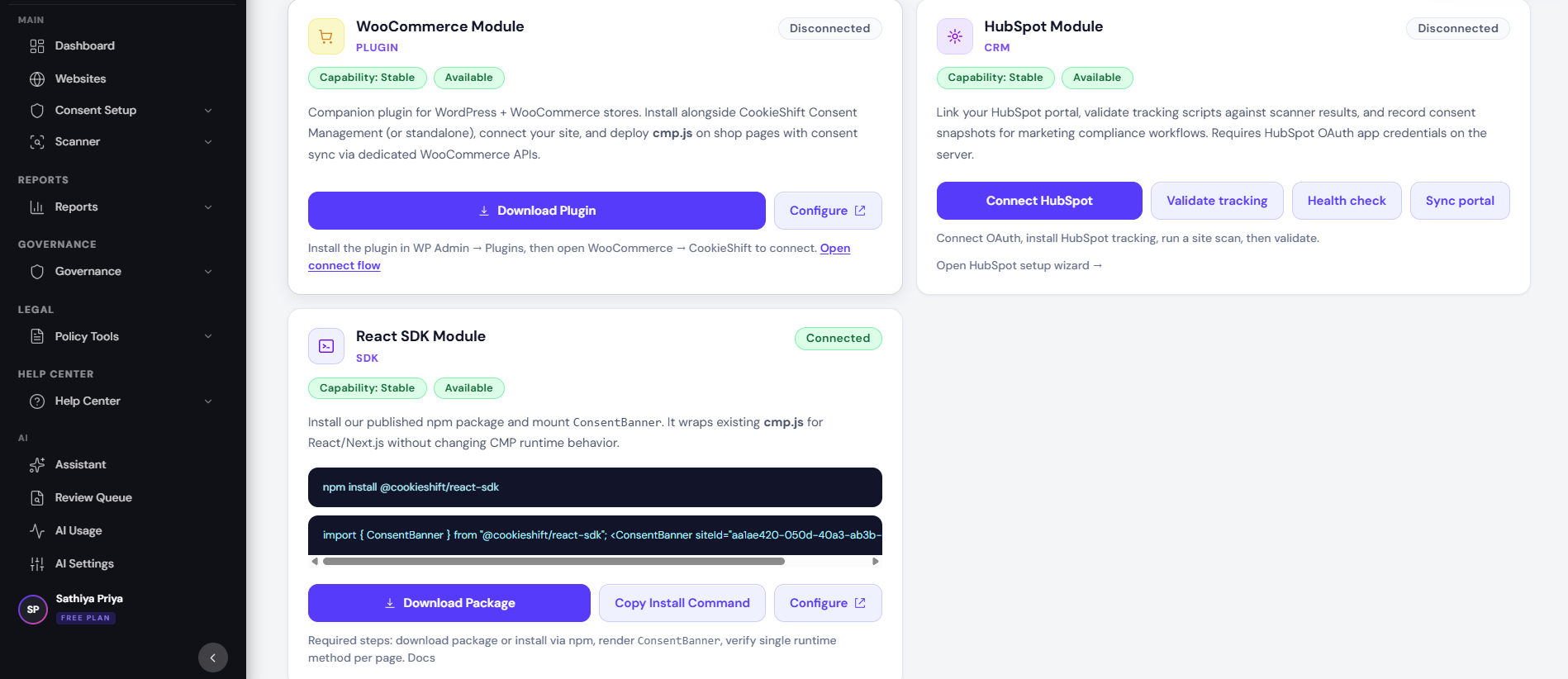
For React-based apps, CookieShift provides a component wrapper around the same consent runtime as the standard script tag. Current status in Modules is shown as Connected for availability and Production-ready now for core SDK behavior.
When to use the SDK
| Use SDK | Use script tag |
|---|---|
| React / Next.js client app | Static HTML, PHP, legacy CMS |
| You control root layout | Tag manager-only injection |
| Component lifecycle matters | Quick one-line install |
Do not load both on the same page—pick one method per property.
Install
Copy commands from Modules → React SDK (exact package name shown in your dashboard). Typical pattern:
npm install @cookieshift/react-sdkBasic usage
import { ConsentBanner } from "@cookieshift/react-sdk";

export function AppShell() {
  return (
    <>
      <YourApp />
      <ConsentBanner siteId="YOUR_SITE_ID" />
    </>
  );
}
Replace YOUR_SITE_ID with the ID from Modules (copy Active site ID).
Next.js notes
- Render the banner in a client component (
"use client"in App Router). - Place it in root
layout.tsxso it persists across routes. - Avoid SSR-only rendering of consent UI—hydration mismatch can flash wrong state.
Where do I find siteId?
Modules displays the full ID with a copy button when a property is selected. It is also embedded in the script snippet as data-id.
Configuration source
Banner appearance and legal settings still come from Consent Setup in the dashboard. The SDK reads published config for siteId—you rarely hardcode copy in React.
Workflow:
- Edit Consent Setup → Save
- Reload your React app (no redeploy needed for copy-only changes if config is fetched live)
Testing checklist
- Property selected when copying
siteId - Banner appears on first visit in incognito
- Accept / Reject / Customize match dashboard preview
- Scanner shows tags after crawl
- Consent logs receive events (Dashboard trend)
Troubleshooting
Banner does not render
Confirm siteId prop, client component boundary, and no duplicate script tag from Modules.
Stale banner after dashboard save
Hard-refresh; check config API reachability from browser network tab (ad blockers may interfere).