WordPress
Connect your WordPress site to CookieShift, sync your property, and serve the consent banner to visitors.
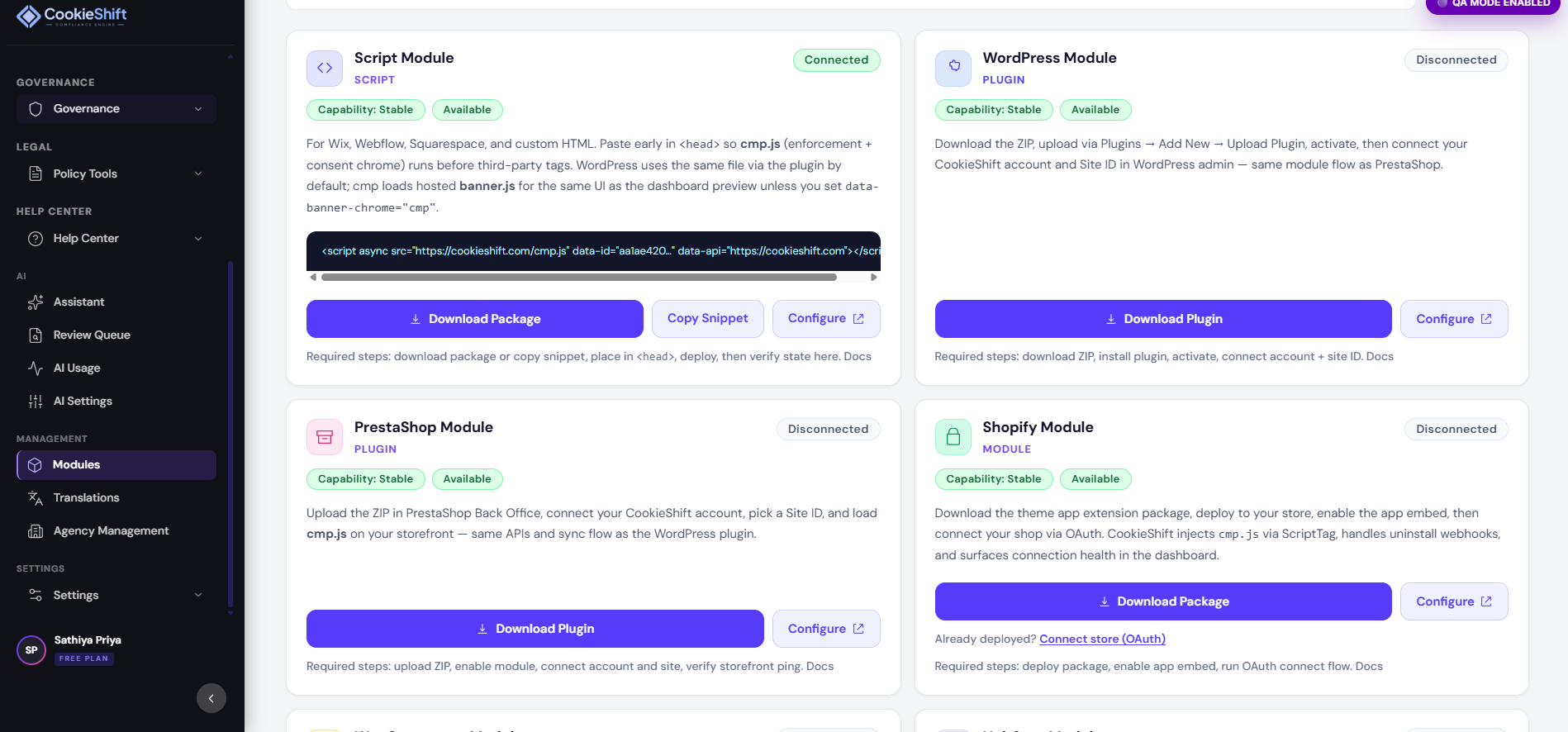
CookieShift’s WordPress module connects your site to the dashboard so you can manage consent without editing theme files manually.
What the plugin does
- Links your WordPress install to your CookieShift account
- Registers or selects the matching property (domain)
- Injects the CookieShift consent script on public pages
- Provides admin shortcuts to scan, configure, and open cloud reports
Connect WordPress
- Install the CookieShift plugin from your WordPress admin (upload ZIP or marketplace, depending on distribution).
- Activate the plugin.
- Open the CookieShift menu in wp-admin.
- Click Connect to CookieShift (or equivalent).
- Sign in to the dashboard if prompted and approve the connection.
- Confirm the correct domain appears in Websites when you return to CookieShift.
After connection, you may be redirected to Websites with a WordPress source indicator.
Configure consent
Banner design happens in the cloud dashboard—not only inside wp-admin:
- Select your site in the property selector.
- Open Consent Setup and customize the banner.
- Save changes—they apply to WordPress visitors automatically.
Run scans
Start scans from:
- The plugin admin panel (manual scan button), or
- CookieShift Scanner in the dashboard
Use scan results to populate cookie lists referenced in your policy and preference center.
Open reports from WordPress
Plugin links can deep-link to:
- Compliance summaries
- Cookie inventory
- Dashboard home
You stay signed in via the same account used during connect.
Disconnect
Use Disconnect in the plugin when migrating away from CookieShift. This stops script injection; remove leftover snippets if you switched themes during testing.
Troubleshooting
| Issue | Try |
|---|---|
| Connected but no banner | Save Consent Setup; clear WordPress cache plugins |
| Wrong domain | Disconnect and reconnect; verify property in Websites |
| Scan never finishes | Confirm site is public; run scan from dashboard |
| Empty reports | Ensure connection completed and siteId matches |
More: Troubleshooting and Modules.