Getting Started
Complete onboarding—account, property, install, scan, banner, compliance, and AI—in one guided path.
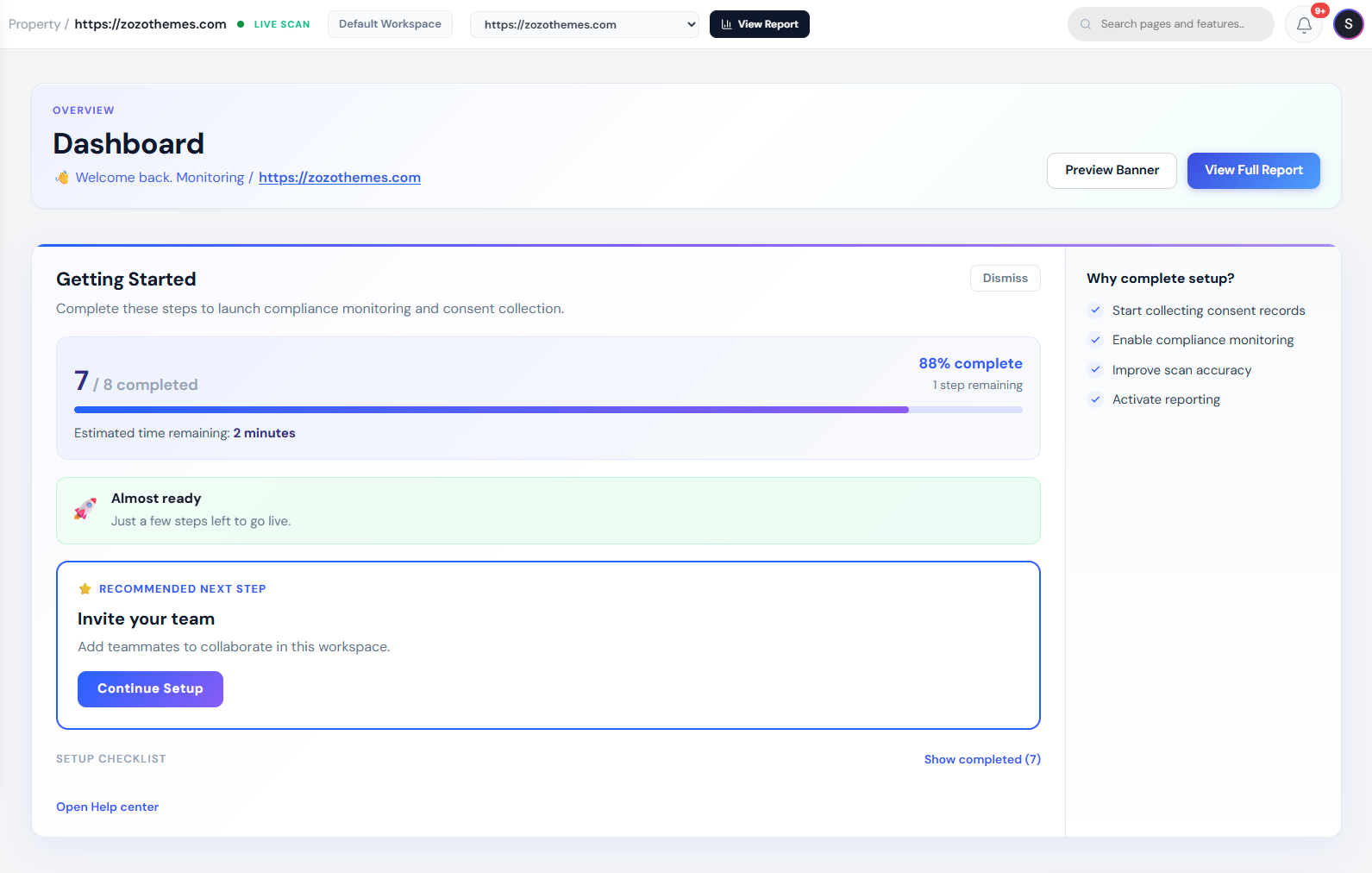
Welcome to CookieShift. Follow this path to go from a new account to a live consent banner, a cookie inventory, and records you can export for audits.
You do not need WordPress or developer experience to complete the basic setup. Choose the install method that matches your website.
Connect site
Script, WordPress, Shopify, or React
Consent Setup
Banner, categories, laws
FAQ
Quick answers
What you will accomplish
| Milestone | How you know it worked |
|---|---|
| Website added | It appears under Websites |
| Script installed | Modules shows Connected |
| Cookies discovered | Scanner status is Completed |
| Banner live | Visitors see the banner on your site |
| Evidence ready | You can open Consent logs or export a report |
Phase 1 — Account & property (15 min)
Sign in
Use email/password or Continue with Google. Verify email if your deployment requires it.
Add your first website
- Websites → Register Domain
- Enter production hostname (e.g.
www.brand.com) - Submit → note redirect to onboarding template or website list
Select property
Use the header property selector on every page. Wrong selection is the #1 cause of “banner didn’t update.”
Phase 2 — Install (15–45 min)
Choose one path:
| Method | Guide |
|---|---|
| HTML / CMS | Connect Your Website |
| WordPress | WordPress |
| Shopify | Shopify |
| React | React SDK |
Confirm Modules shows Connected after deploy.
Phase 3 — Scan (10–30 min)
- Open Scanner
- Run Scan or Run Full Scan
- Wait for Completed
- Review Overview KPIs and Elevated risk
- Open Tracker Inventory → clear Unclassified
Phase 4 — Consent banner (30–90 min)
- Consent Setup → pick law (GDPR, CCPA, or registry search)
- Appearance — layout, colors, buttons
- Content — fill every category description
- Compliance — strict mode / Do Not Sell as counsel advises
- Save Changes
- Test in incognito (Accept, Reject, Customize)
Deep reference: Consent Setup.
Phase 5 — Compliance & proof (20 min)
| Task | Page |
|---|---|
| Review score & issues | Compliance |
| Export PDF/CSV | Compliance download buttons |
| Sample consent records | Reports → Consent logs |
| Dashboard trend | Dashboard (after traffic) |
Phase 6 — Optional power features
| Feature | When |
|---|---|
| AI Assistant | Draft copy, classify, policy draft |
| Translations | Multi-locale banners |
| Team Management | Invite colleagues |
| Billing | Upgrade for limits |
Regulation quick links
| Region | Guide |
|---|---|
| EU / UK | GDPR Guide |
| California / US | CCPA Guide |
| Categories | Cookie Categories |
Checklist (printable)
- Property created
- Script connected
- Scan completed
- Unclassified < 5% of trackers (goal)
- Banner saved & verified live
- Compliance export stored
- Legal reviewed copy
- Team invited (if applicable)
Next steps
| Role | Read next |
|---|---|
| Marketer | Dashboard, Consent Analytics |
| Engineer | Modules, React SDK |
| DPO / Compliance | Compliance, GDPR Guide |
| Support | FAQ, Troubleshooting |