HubSpot Integration
Connect HubSpot via OAuth, validate tracking, and sync consent to CRM contact properties.
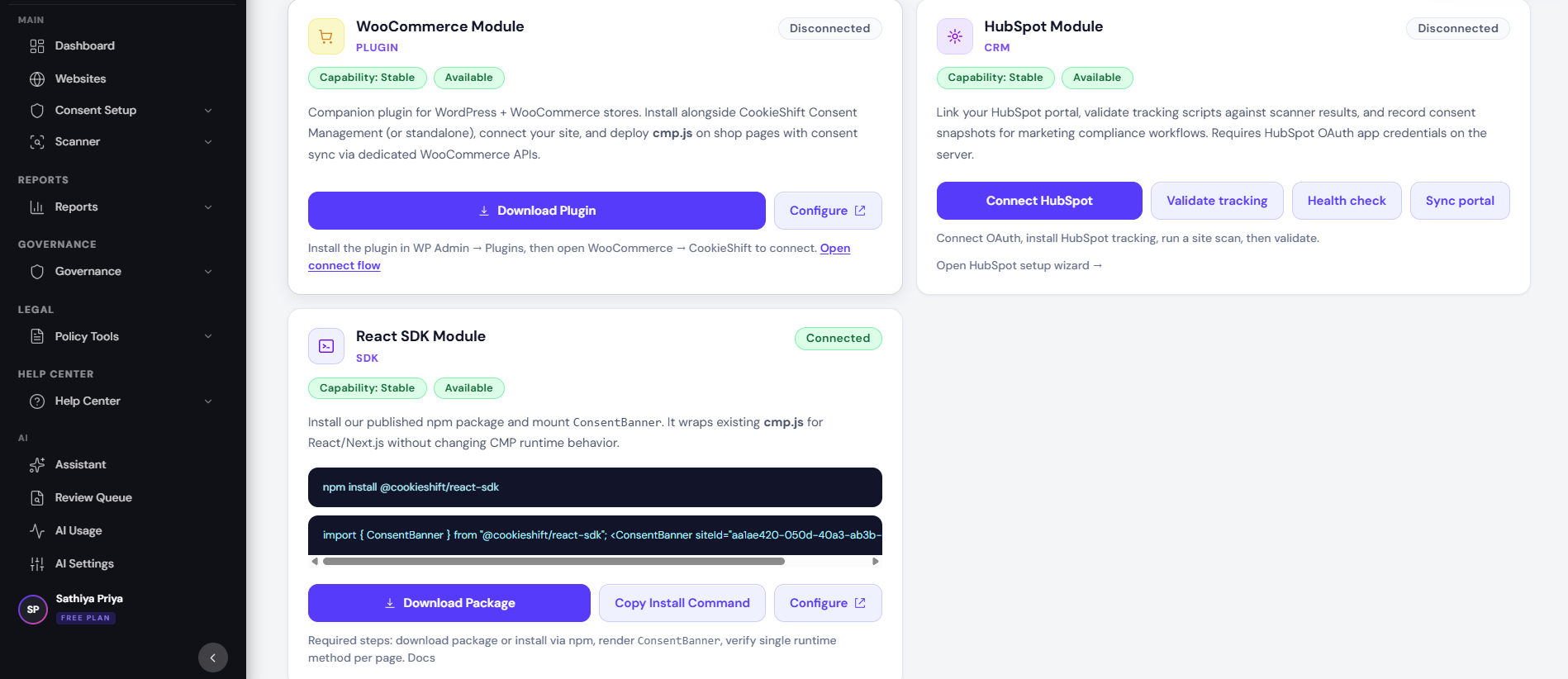
Link your HubSpot portal to CookieShift for tracking validation and consent snapshot sync when marketing choices change.
Overview
The HubSpot connector uses OAuth to access your portal, verifies that HubSpot scripts appear on scanned pages, and can push consent metadata to CRM contact properties when identifiers are available.
Why it matters
Marketing teams rely on HubSpot for attribution and outreach. Syncing consent state helps align CRM records with your CMP audit trail and reduces risk of messaging opted-out contacts.
Setup
- Ensure server env vars are set:
HUBSPOT_CLIENT_ID,HUBSPOT_CLIENT_SECRET, andHUBSPOT_REDIRECT_URI(orBASE_URL). - Open Consent Setup → HubSpot Integration for your property.
- Click Connect HubSpot and approve OAuth scopes.
- Install HubSpot tracking on your site if not already present.
- Run a site scan, then click Validate tracking.
- Use Health check and review the Diagnostics panel for token and CRM sync status.
Examples
| Event | Behavior |
|---|---|
| Marketing consent granted | Consent snapshot stored; CRM sync when contactId/email provided |
| Tracking missing on scan | Validation fails with guidance to install HubSpot script |
| Portal reconnect | Use Reconnect portal after scope or token changes |
Troubleshooting
- OAuth redirect error — Redirect URI in HubSpot app must match
HUBSPOT_REDIRECT_URIexactly. - Tracking not detected — Run scanner after installing
js.hs-scripts.com/ HubSpot embed. - CRM sync skipped — Consent propagation needs
contactIdoremailin the event payload; see diagnosticslastConsentCrmSyncError.
Best practices
- Validate tracking after every major theme or tag-manager change.
- Restrict HubSpot OAuth app access to production portals where possible.
- Document which HubSpot properties receive consent fields for your legal team.